 MemoryWise
An ancient technique
for the modern mind.
Your memory already works — it just needs a map. MemoryWise utilises the method of loci — and repetition of it — as the foundation for a complete memory and concentration technique, one that the app manages for you every day. Link a word to a place you already know, and it stays.
What the gym does for the body, MemoryWise does for the memory.
Every session trains two distinct mental skills: creative imagination to build the link, and recall to retrieve it. With regular practice, people notice sharper concentration, steadier awareness, and a clearer, less cluttered mind.
A real technique, not just a party trick.
Memory games test what you can already do. MemoryWise is different. MemoryWise utilises the method of loci — one of the oldest, most studied memory techniques there is — to fundamentally improve memory. Learn it once, and you can point it at anything you need to remember.
Three ideas, one habit.
Your brain is far better at remembering places and images than lists of words — MemoryWise leans on that.
Somewhere you already know by heart
Twenty familiar spots — the rooms in your house, the stops on your commute, even objects shaped like numbers — numbered in an order you'll never forget.
A word for every anchor
A built-in library of concrete nouns, sorted easy to hard, plus a Learn a Word set of uncommon words worth knowing.
A two-second mental image
Picture the tag sitting at its anchor — the stranger the image, the better it sticks. Recall the anchor, and the tag comes with it.
Choose an anchor list
Pick a familiar route, room, or set of shapes, and number it 1 to 20.
Generate a tag
The app pulls a word from its library and drops it onto the next open anchor.
Link it
Picture the word and the anchor together — as vivid or strange as you like.
Recall in order
Walk the list in your head. Fill all 20 and a fresh layer starts on the same list.
Learn a Word — vocabulary, one anchor at a time.
Every tag you link can come from Learn a Word: a rotating set of uncommon, genuinely useful English words, each with its meaning and a memory tip built in. Train your recall and grow your vocabulary in the very same two minutes.
- A fresh word, sorted by difficulty, every time you train
- Plain-language meanings, no dictionary required
- The same linking technique makes the word stick, not just the definition
— Sheldon's file for this screen was wrong
Reading it again, or walking it back.
Rote learning asks your memory to work without a map. The method of loci gives it one — the same twenty places, reused for anything you need to hold.
| Rote learning | MemoryWise | |
|---|---|---|
| Remembering it tomorrow | Most of it has gone by morning | Walk the route again and the images are still there |
| A missed day | The streak breaks and motivation goes with it | Layers stack on the same list, nothing is lost |
| Time per session | Twenty minutes of re-reading | About two minutes |
| What you keep | The specific list, briefly | A technique you can point at anything |
Built for anyone who wants improved memory, and improved levels of concentration.
The technique is the same for everyone — what changes is what you choose to remember.
Students
Hold a list of terms, dates or steps in order without re-reading the page five times.
Speakers and presenters
Walk your talking points from memory instead of clinging to notes.
Language learners
Park new vocabulary on anchors so it survives past the lesson.
Busy professionals
Keep agendas, names and follow-ups in your head between meetings.
Anyone over fifty
A short daily workout that keeps recall active, with no streaks to protect.
Curious minds
Learn a technique memory athletes use, then find your own uses for it.
Word lovers
Build real vocabulary through Learn a Word while you train your recall.
People recovering from a knock to focus and memory
A gentle, structured daily habit for rebuilding concentration and recall at your own pace.
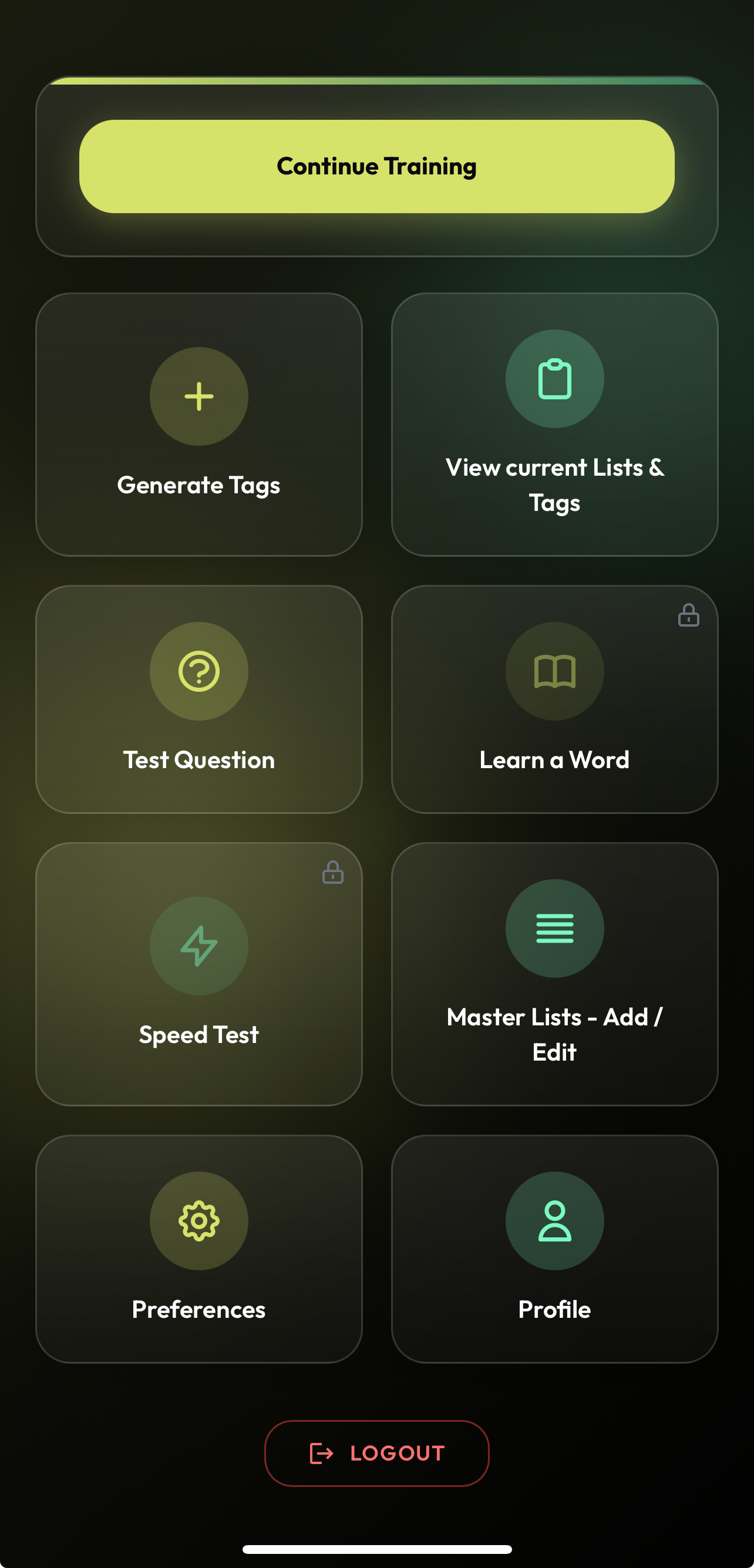
Real screens from MemoryWise.
Every screen you meet on the journey, in order.
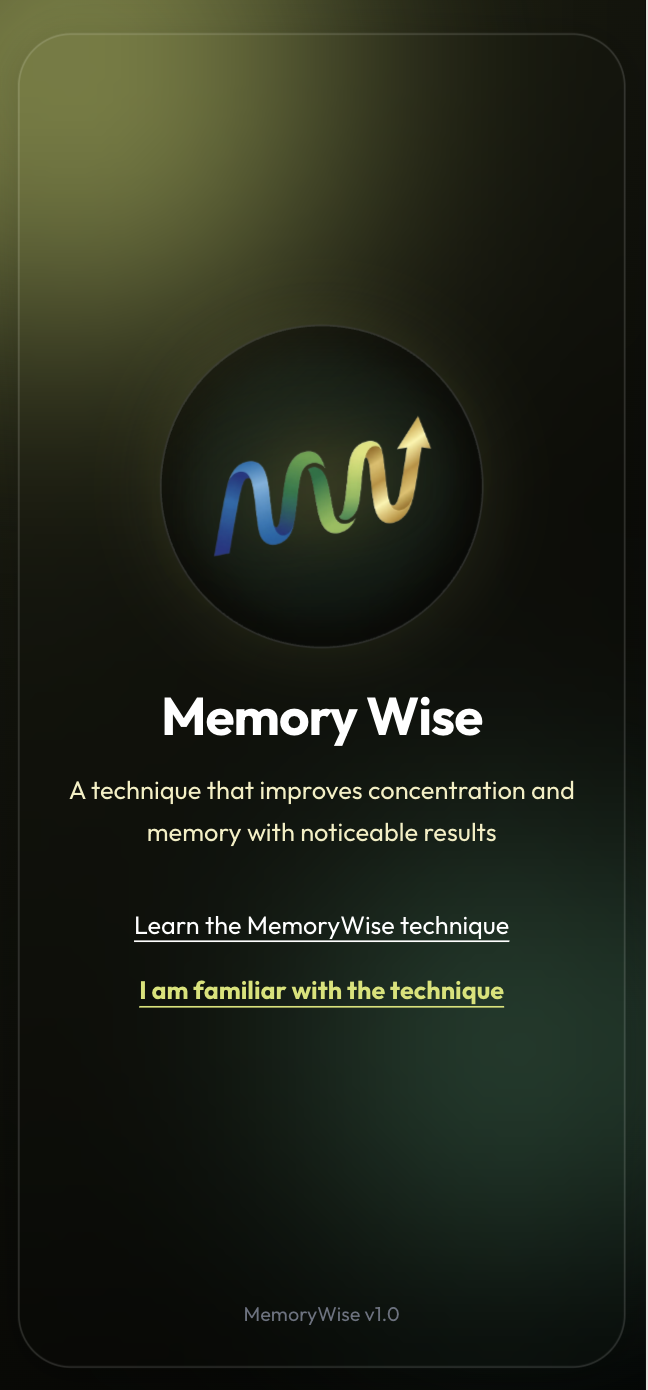
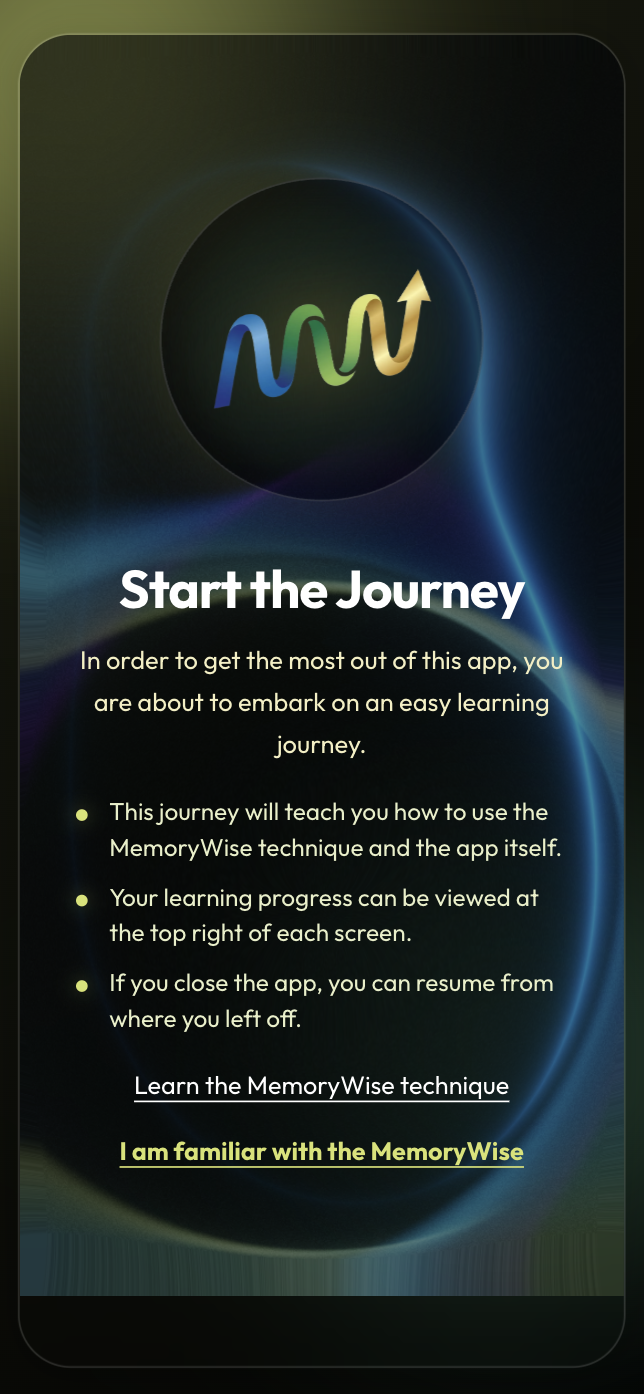
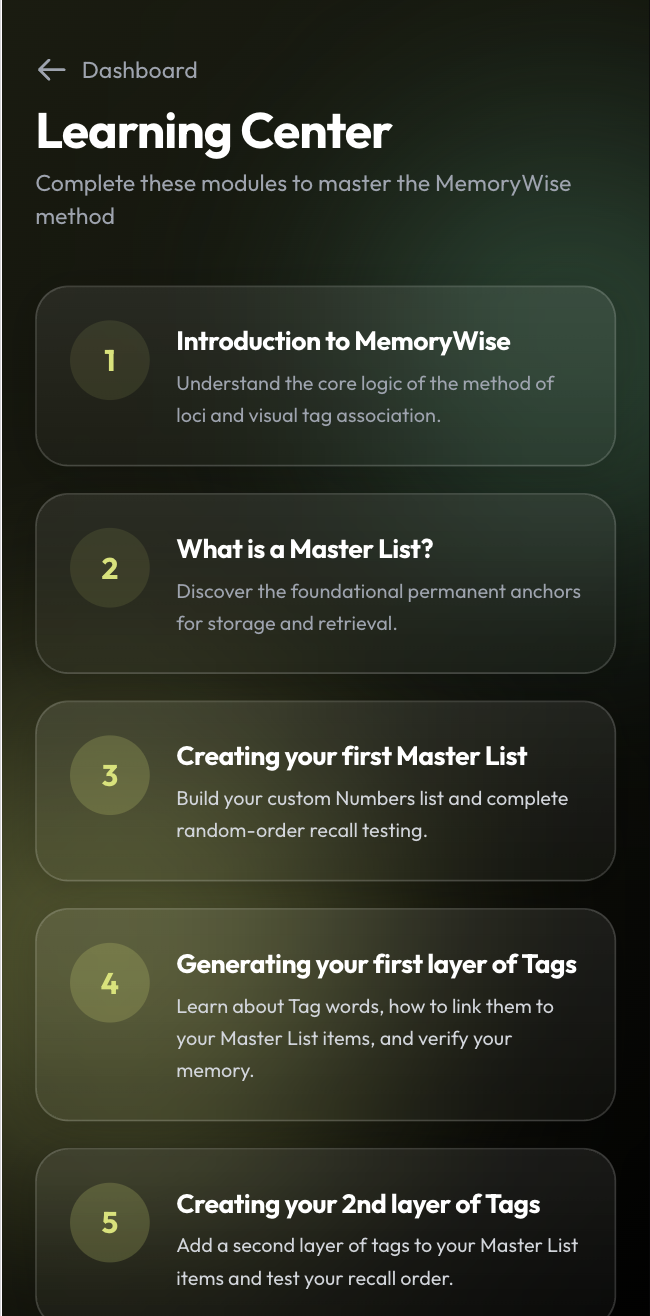
— screenshot needs updating, Sheldon's file was wrong
— screenshot needs updating, Sheldon's file was wrong
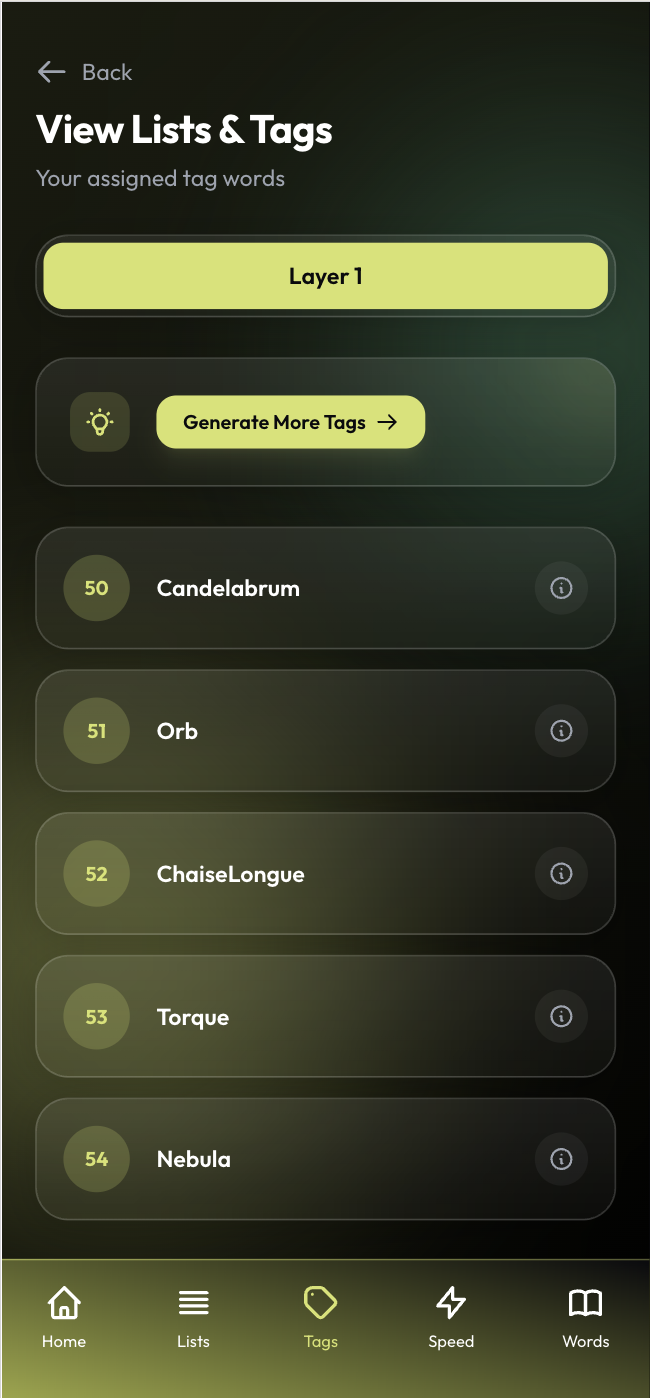
— screenshot needs updating, Sheldon's file was wrong
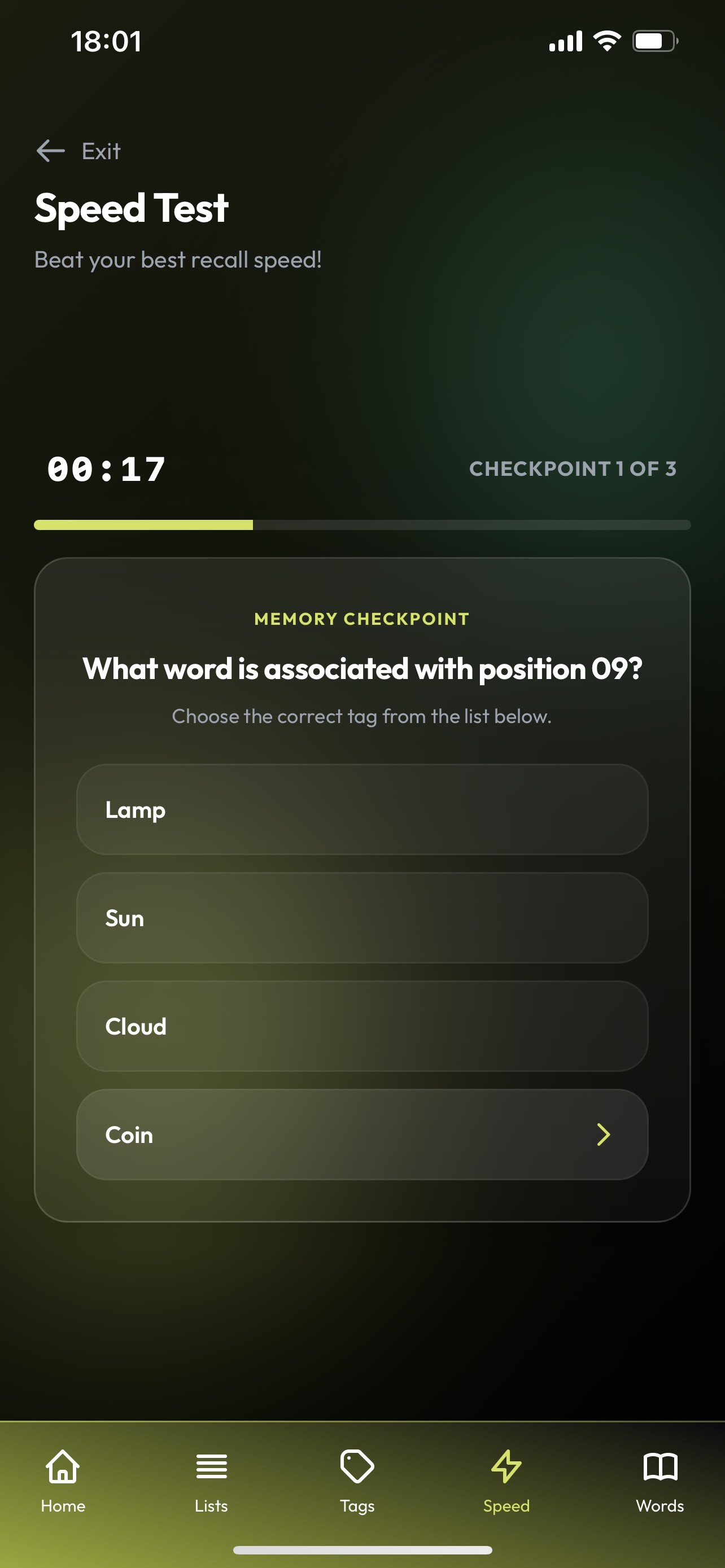
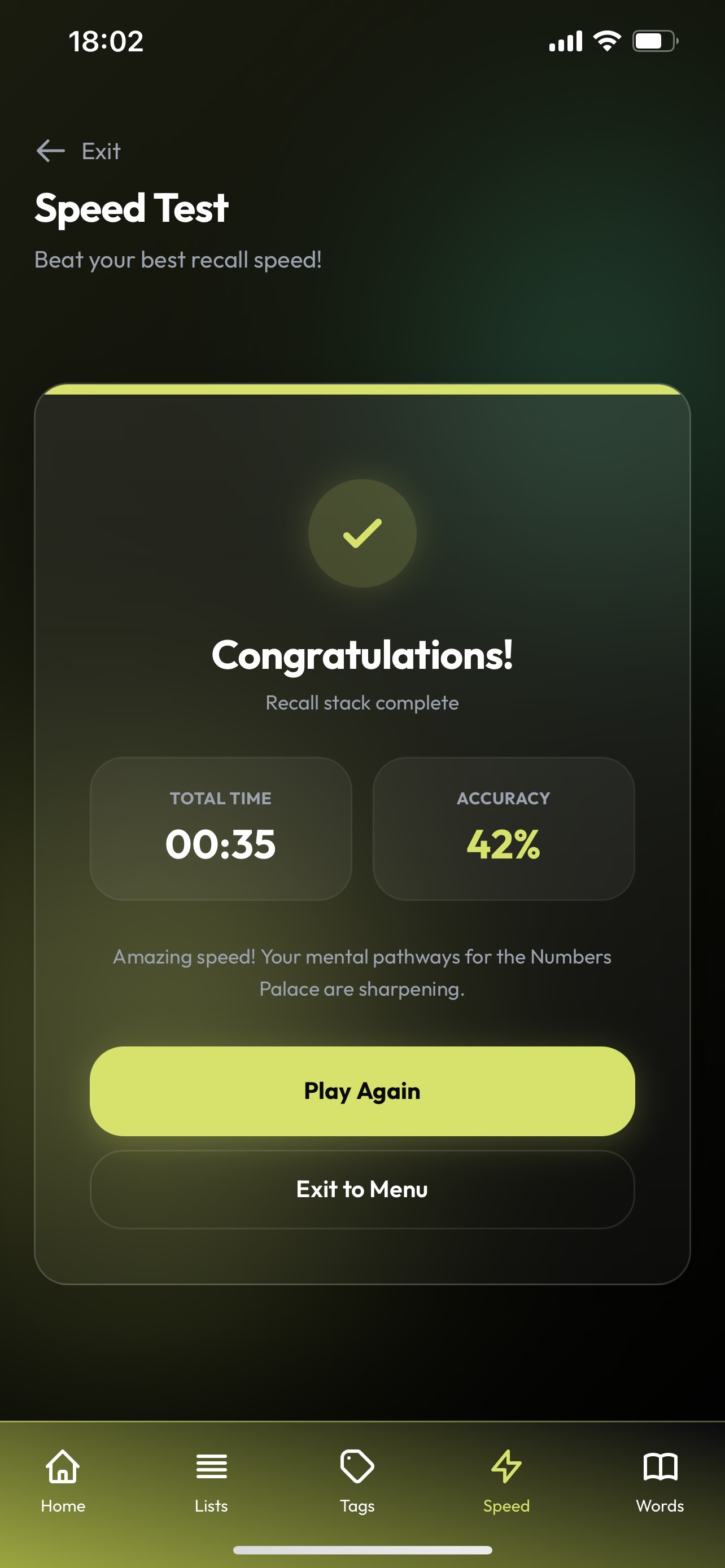
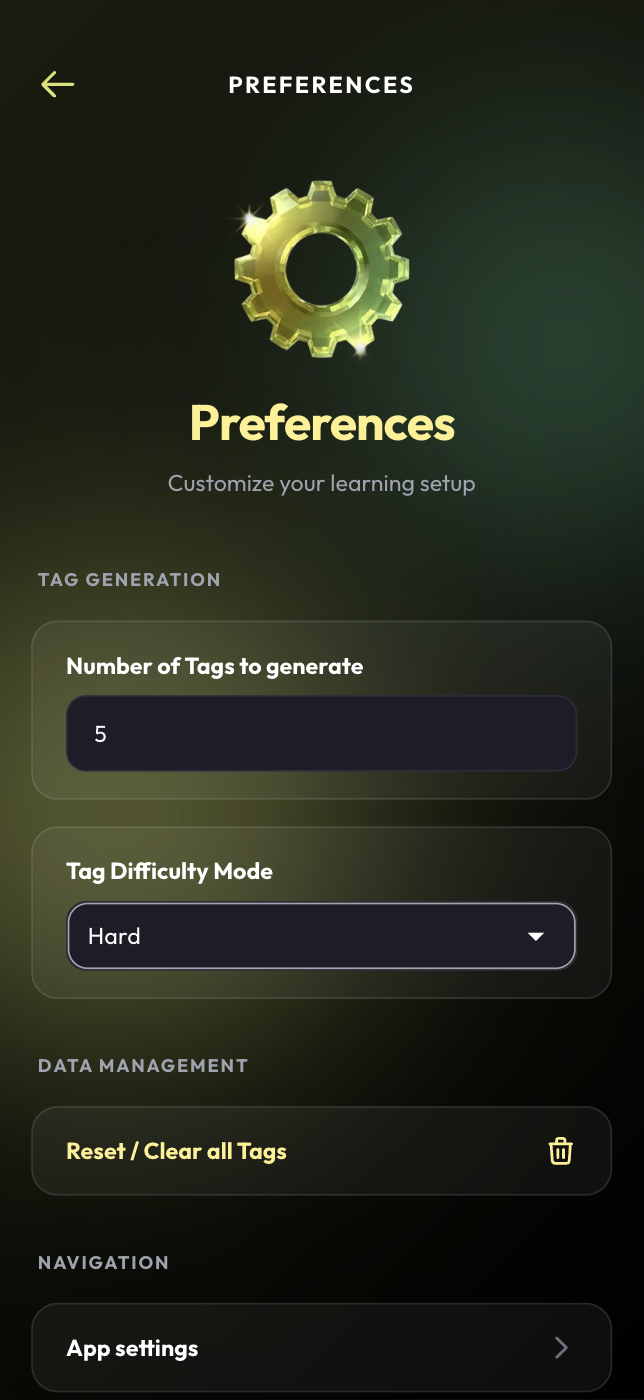

Open it now, recall twenty new items in 2 minutes.
From opening the app to recalling twenty items in order takes about two minutes. Here is exactly how the first session goes.
Open the app
Land on the main menu — every tool one tap away, nothing to configure first.
Pick an anchor list
Start with a room in your house, or use one of the ready-made lists.
Generate your tags
The app places words on your anchors, one by one, at the difficulty you chose.
Link each Tag
Two seconds per anchor. The stranger the picture, the better it holds.
Walk it back
Recall all twenty in order. That is the wow moment people talk about.
There's a moment when you notice the technique is working. The wow moment.
Real words from people who have had their wow moment. Send us yours and we'll add it here.
"Placeholder quote — send us a real one and it goes here."
"Placeholder quote — a short line about the wow moment."
"Placeholder quote — a short line about daily training."
Placeholder testimonials — carried over as-is. Send real, approved quotes and we'll swap them in.
One app, simple plans.
Start free, then keep training on the plan that suits you. Cancel any time from your profile.
Free
Enough to reach your first wow moment.
- One anchor list
- Generated tags
- Recall practice
Monthly
The full app, month to month.
- Unlimited anchor lists
- Speed tests and learn a word
- Progress across devices
Yearly
The same plan, paid once a year.
- Everything in Monthly
- One payment a year
- Cancel any time
Placeholder pricing — carried over as-is. Confirm the real plan amounts and we'll publish them.
Questions, answered.
The questions we get asked most. Anything else, just email us.
Is this a memory game? ▾
No. MemoryWise utilises the method of loci — a technique that has been used for centuries — and repetition of it, as the foundation of a complete memory and concentration technique that the app manages for you daily.
How long does a session take? ▾
About two minutes. Generate your tags, link them to your anchors, then walk the list back in order.
Do I need to be good at remembering things? ▾
No. The technique does the work. Most people surprise themselves the first time they recall twenty items in a row.
What is an anchor list? ▾
Twenty places or objects you already know by heart — rooms in your house, stops on your commute, or shapes that match the numbers one to twenty.
What happens when I fill all twenty anchors? ▾
A fresh layer starts on the same list, so your anchors keep working and only the tags change.
Does it work offline? ▾
Yes. Your anchor lists and tags live on your device, so you can train on a plane or underground.
Can I cancel a subscription? ▾
Yes — manage or cancel it any time from your profile in the app.
Is the method of loci actually backed by anything? ▾
Yes — it's one of the oldest and most researched memory techniques there is, used for centuries by orators and, today, by memory athletes. MemoryWise utilises it, and repetition of it, as the foundation for a fuller memory and concentration technique, and turns the whole thing into a two-minute daily habit.
Who builds MemoryWise? ▾
A small independent team in Nelson, New Zealand. Email us and you will usually hear back within two business days.
An ancient technique. Two minutes a day. A clearer mind.
Questions, feedback, or something not working the way it should — get in touch and we'll usually reply within two business days.